Evidence-backed change review
Change review ties your sign-off to a specific version of the code, a specific set of acceptance criteria and a recorded browser replay. Open Review for a repository change, or start from a connected work item. Work items are tracked with their connection, so the same ticket number from two different trackers never gets mixed up.
Configure a replay
- Choose the repository and the base to compare against. Mezair takes a snapshot of the changed code.
- Link a work item or write acceptance criteria here. Each refresh of a work item's criteria creates a new version, and the evidence must match it.
- Set the fixture version, an optional setup command, the reset and start commands, the path to wait for, the browser steps and the screen sizes.
- Run the scenario against both the original and the change.
- Compare the paired screenshots, step results, logs and traces before you decide.
Mezair gives each side its own worktree, data folder and local port. It supplies PORT, MEZAIR_REVIEW_URL, MEZAIR_REVIEW_DATA, and MEZAIR_REVIEW_TREE to the scenario commands. Make your reset command produce the same starting state every time, so both sides are compared fairly.
Supported browser steps navigate, click, fill, press keys, and assert visibility or text. Screenshots and traces are fingerprinted, so a changed or missing file can't quietly stand in for the original. If setup or reset changes the code snapshot, the run fails.
Findings and acceptance
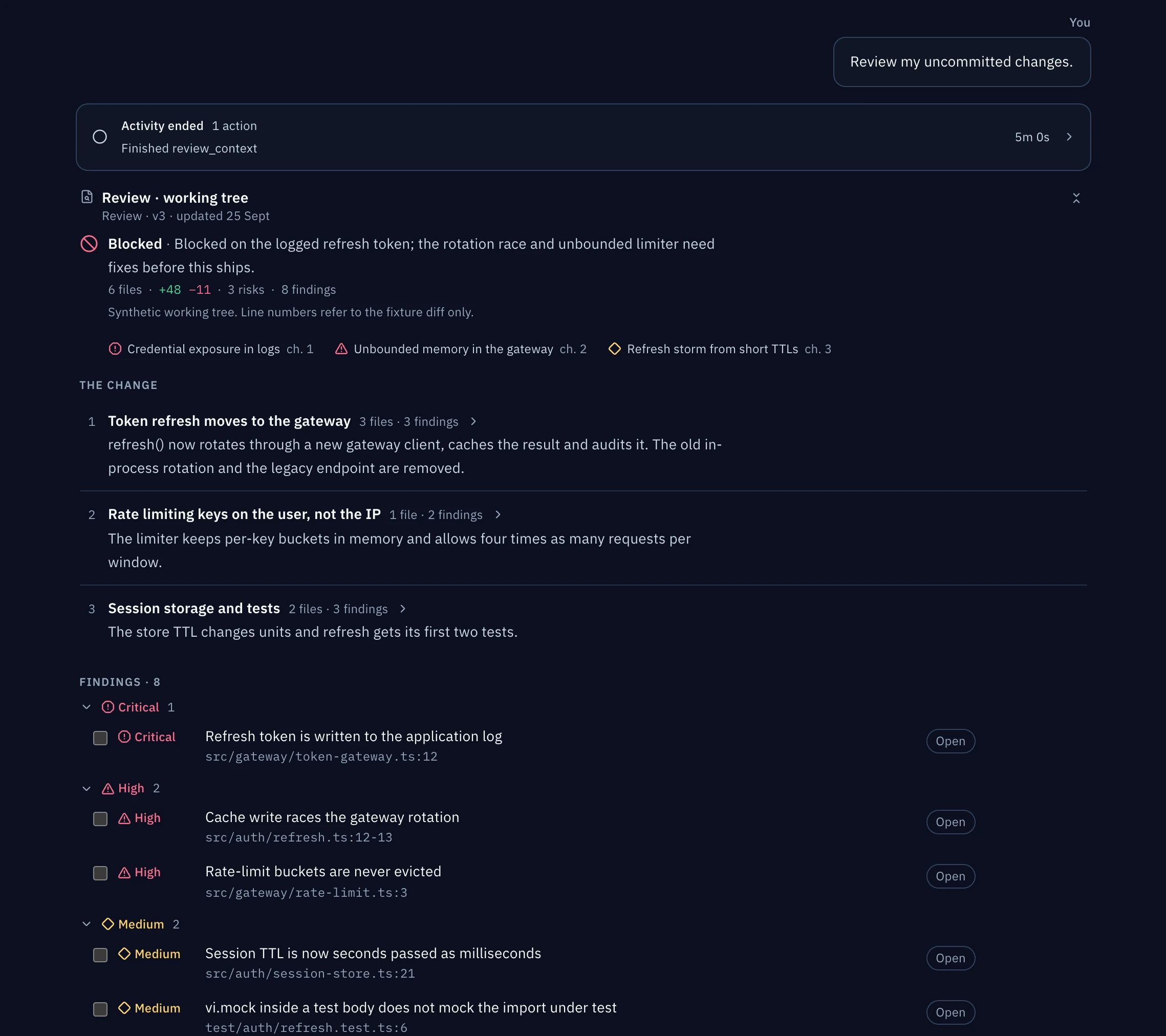
Mark a concrete issue on a screenshot. When it's fixed, mark it ready for recheck, and get a passing replay before you accept it.
To accept a change you need a passing run, every criterion accepted and no open issues. The decision records the code snapshot, criteria version, run, reviewer and your note. Rejections are recorded too.
Changes to the code, scenario or criteria can make evidence out of date. Refresh and replay before relying on an earlier sign-off. A passing replay only proves what it checked; it doesn't cover untested behaviour or replace code and security review.
Export and publish
Export the review as Markdown or JSON. To publish to a linked work item, inspect and redact the prepared text before submitting it. Publishing requires a recorded decision and a provider that supports review publication.
If Mezair can't tell whether publishing worked, it won't retry by itself. Check the work item first so you don't post twice.
Requirements and limits
The reviewed repository must already have @playwright/test or playwright and the required Chromium browser installed. The runner does not download a browser package for you. Its current process and listener checks use lsof, ps, and POSIX process groups; this replay path is not Windows-portable yet, even though Desktop has Windows packages.
Setup, reset and start commands run on your machine as you. Worktrees keep the code separate, not the operating system. Use test data and read the commands before running a scenario.
See Security and review for review scope and Workflow graphs for agent coordination.